CLI / TUI · GIPHY (preferred) · Tenor · kitty graphics
🧲 gifgrep
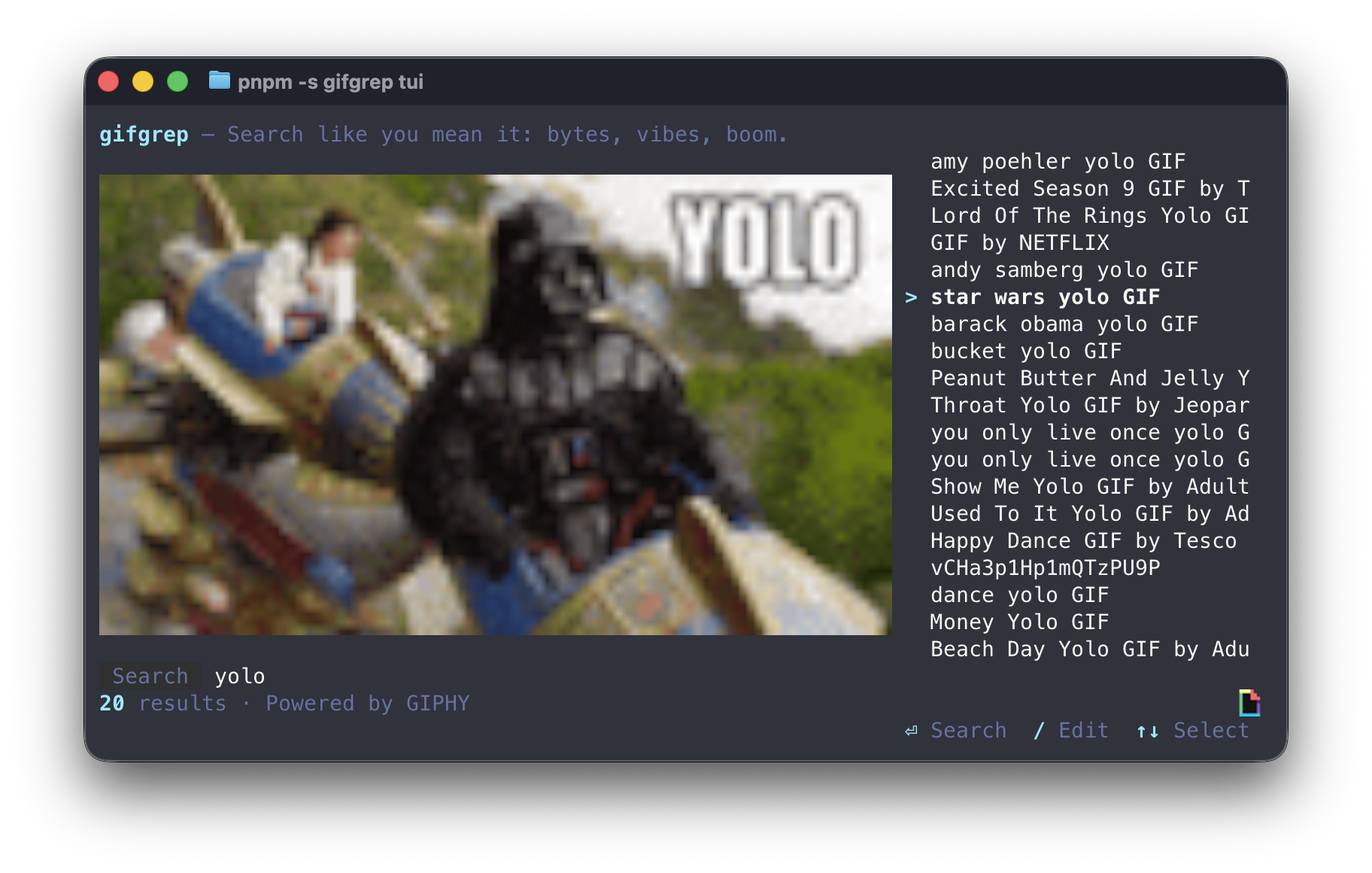
Grep the GIF. Stick the landing. Scriptable URLs/JSON by default, plus a TUI that previews inline (kitty protocol) when you feel fancy.
default prints plain (TTY) / URLs (pipe)
--json when you need metadata
tui for arrow-key browsing
If GIPHY_API_KEY is set, gifgrep prefers GIPHY. Otherwise it uses Tenor (with an optional
TENOR_API_KEY or Tenor’s public demo key). Inline previews need Kitty or Ghostty.
$ gifgrep cats -m 3
https://media.tenor.com/.../cat-typing.gif
https://media.tenor.com/.../cat-yes.gif
https://media.tenor.com/.../cat-stare.gif
$ gifgrep tui "office handshake"
Install
Pick your poison:
brew install steipete/tap/gifgrep
go install github.com/steipete/gifgrep/cmd/gifgrep@latest
Use
gifgrep catsprints plain (TTY) / URLs (pipes).gifgrep cats --jsonprints structured results.gifgrep tui catsopens the interactive browser.gifgrep cats -m 5 --thumbsshows inline still thumbs (Kitty/Ghostty).
Terminal notes
- Inline previews: Kitty/Ghostty (Kitty protocol), iTerm2 (OSC 1337).
- CLI thumbs are a still frame; animations are TUI-only.
-
Kitty plays the real animation; Ghostty uses software playback:
GIFGREP_SOFTWARE_ANIM=1(auto-detected). -
Preview sizing uses
GIFGREP_CELL_ASPECT(default0.5).
Source / code
It’s Go. It’s tiny. It cleans up after itself. Or at least it tries. GitHub.
If you somehow manage to grep the wrong GIF: that’s on you. ❤️
 GIPHY
GIPHY
© Peter Steinberger · MIT · GIFs courtesy GIPHY + Tenor